


Zamzar are delighted to now offer file compression as well as file conversion! So, if you have large files you need to compress, you can now use the Zamzar compression tool to easily reduce the file sizes without impacting the overall quality of the files.
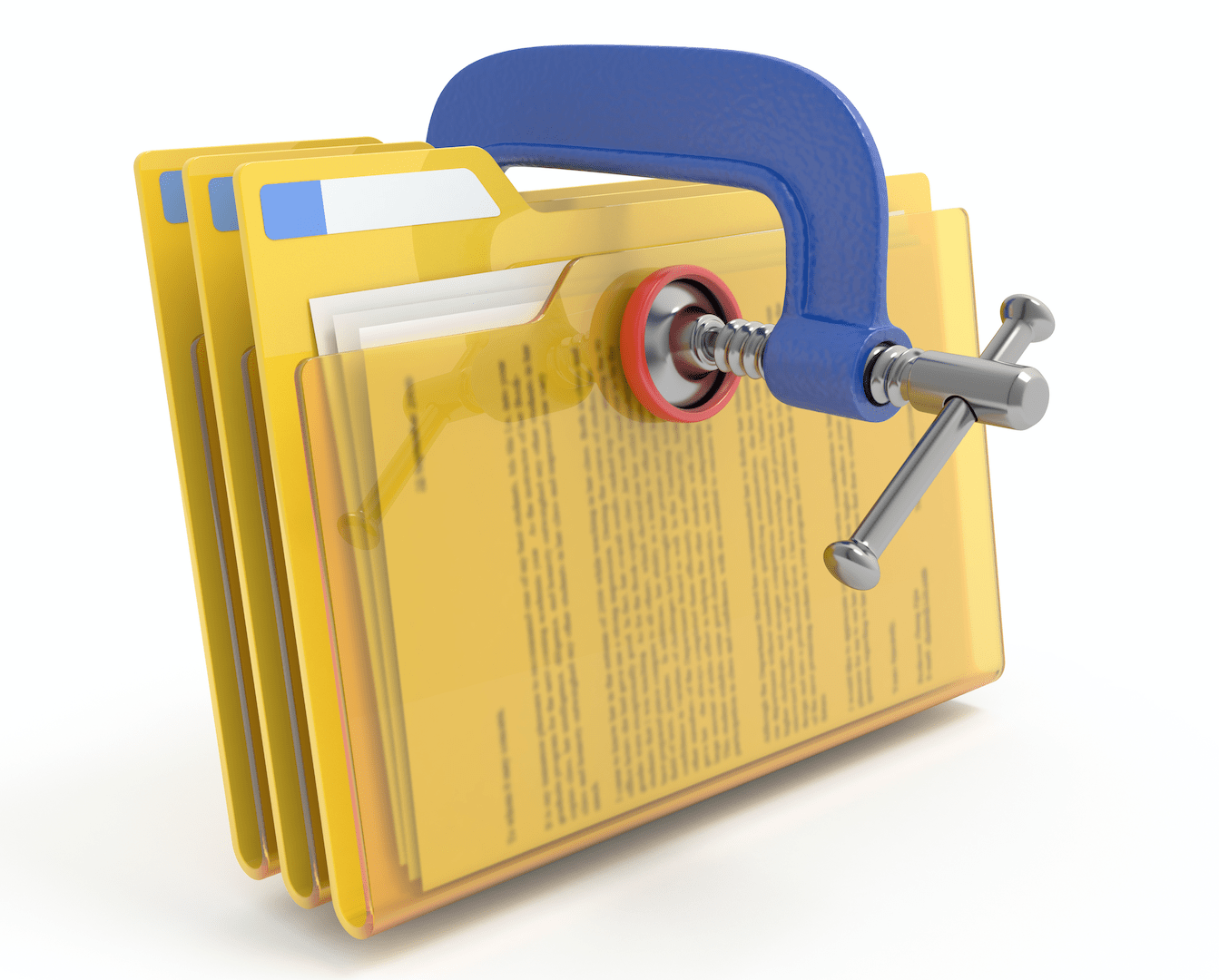
Why have we built a tool to compress files?
We’ve all been at work and been sent a spreadsheet, document or presentation that has blown our mailbox; we’ve all visited websites that seem to take an age to load because the images used on the site are unnecessarily large in size. Sometimes, there’s a requirement to have the highest quality file possible – perhaps a wedding picture you want printed or a movie that you are airing; however, most of the time we want to be able to send files quickly and to also be able to consume them easily. This is why we built the Zamzar compression tool. We’re able to compress a variety of different types of files, including document and image formats, and enable users to make those files smaller while still retaining the overall file quality. Just like our conversion tool, the service is simple to use and can all be done online in an instant.
How do you use the tool to compress your files?

What are the benefits of the Zamzar file compression tool?
- Smaller file sizes without loss of quality
- Easy to use and no software download required
- Files compressed in seconds
- Many file types supported, including documents, presentations and images
- Use on any device and on any operating system
Does this mean any changes for the Zamzar conversion tool?
No, our file conversion tool remains unchanged and users can continue to use it to convert files. Our commitment to file conversion remains absolute and every day we strive to improve the file conversion process for our users. We’ve simply added file compression as an addition to our file conversion service, as a useful extra tool for our users.
How do I access the Zamzar file compression tool?
Simply go to our ‘Compress Files’ page and use the tool today!
Happy compressing!